First Steps with NestJS: Scaffolding Enterprise Bootstrapping


Mr. Roy
Published about 2 months ago
0 comments
4 min read

Discover curated collections of blog posts
Mr. Roy
Published about 2 months ago
Strategic Writer
A technology and business leader with a strong focus on digital transformation, software delivery, and strategic growth. Experienced in leading JavaScript-focused teams, driving business development initiatives, and building innovative SaaS products. Passionate about AI-powered solutions, product development, stakeholder management, and creating scalable digital platforms. Skilled at bridging the gap between business objectives and technology execution while fostering collaboration across clients, teams, and partners.
Get personalized recommendations based on your reading history and interests. Visit the member dashboard to see blogs tailored just for you.
When setting up a mission-critical backend service, the initial scaffolding decisions determine how cleanly your codebase scales as feature velocity accelerates. In Node.js ecosystems, teams frequently stumble over package manager inconsistency, loose TypeScript configurations, and unstructured project layouts.
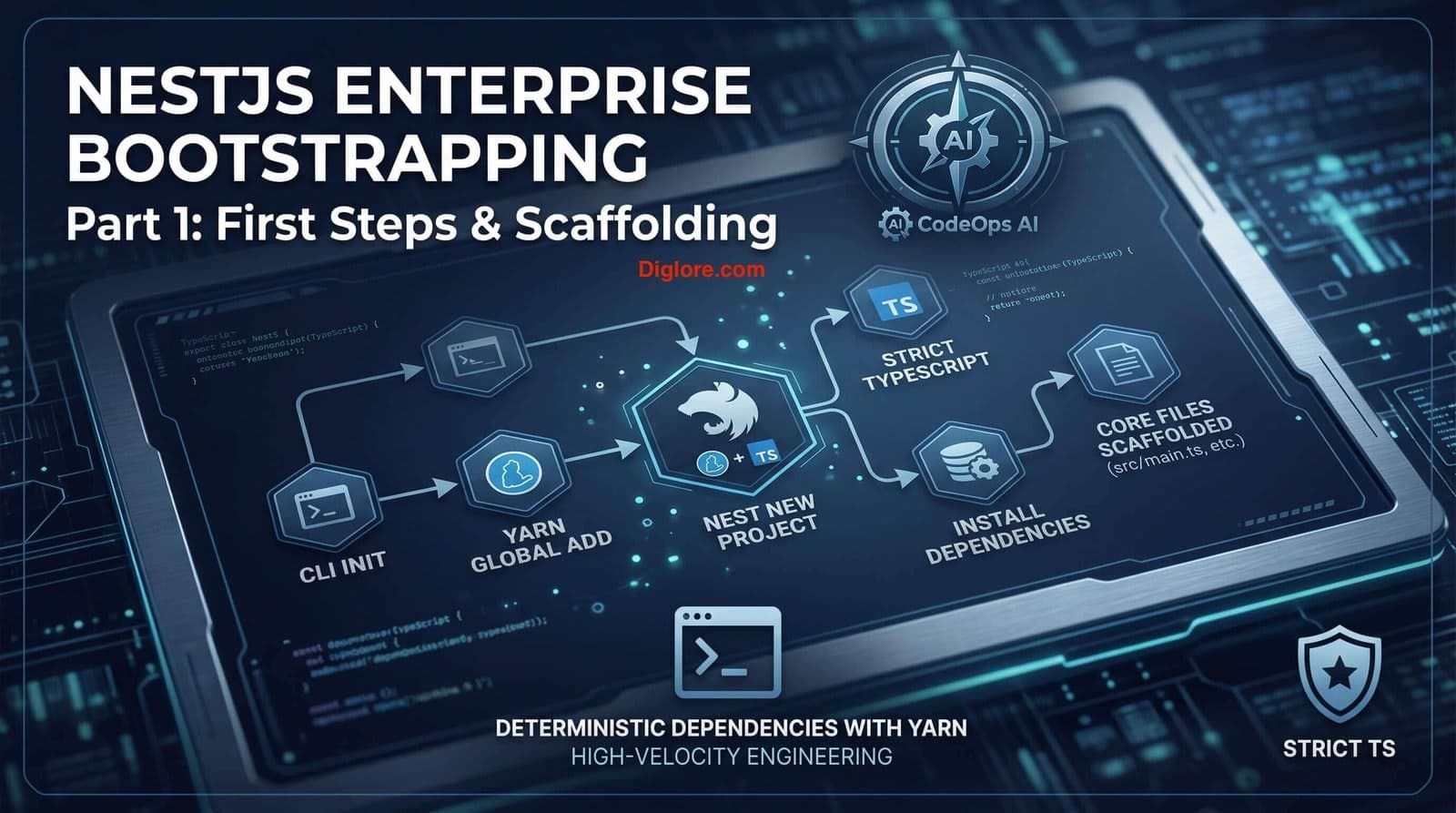
In this installment, we step through bootstrapping the core service layer for CodeOps AI—our enterprise AI engineering workspace. We will utilize Yarn exclusively across our toolchain to guarantee fast, deterministic package resolutions, set up strict TypeScript compiler options, and inspect the core primitives of a NestJS bootstrap lifecycle.
Scaffold with Yarn & Nest CLI: Initialize NestJS enterprise projects with strict TypeScript defaults using Yarn as the standard package manager.
Navigate Core Architecture: Deconstruct the default NestJS directory structure (main.ts, app.module.ts, app.controller.ts, app.service.ts).
Configure Execution Adapters: Understand the platform-agnostic nature of NestJS and evaluate Express vs. Fastify runtime engines.
Manage Development Lifecycle: Run, watch, lint, and format your NestJS application using standardized Yarn workflows.
Before initializing our project, ensure Node.js (v20+) and Yarn are active in your environment. We rely on Yarn for reproducible dependency locks across local development, CI/CD pipelines, and cloud deployments.
Install the Nest CLI globally and scaffold a new project, explicitly setting the package manager to Yarn and enabling strict TypeScript mode for robust compile-time safety:
# Install Nest CLI globally
yarn global add @nestjs/cli

# Scaffold new project with strict TypeScript settings using Yarn
nest new codeops-service --package-manager yarn --strict
Engineering Rule: Why --strict Matters
Enabling the --strict flag forces TypeScript strict null checks and implicit-any prevention from day one. In high-concurrency environments like CodeOps AI, this prevents runtime 'cannot read property of undefined' errors before code hits production.
The CLI provisions a clean, opinionated directory layout within src/. Each component has a designated architectural role:
Core File | Architectural Role | CodeOps AI Context |
main.ts | Application entry point; instantiates NestFactory. | Bootstraps HTTP server, global pipelines, and CORS settings. |
app.module.ts | Root module encapsulating domain dependencies. | Imports feature modules (AI Agents, Workspace, Auth). |
app.controller.ts | Handles incoming HTTP requests & maps routes. | Exposes health check and base REST channels. |
app.service.ts | Encapsulates business logic providers. | Implements domain logic decoupled from transport protocols. |
app.controller.spec.ts | Unit testing suite for the root controller. | Ensures zero-regression testing on core endpoints. |
The main.ts entry file uses NestFactory to create an INestApplication instance over an HTTP engine:
import { NestFactory } from '@nestjs/core';
import { AppModule } from './app.module';

async function bootstrap() {
  const app = await NestFactory.create(AppModule, {
    abortOnError: false, // Prevents silent exits; throws explicit runtime errors
  });

  // Enable CORS for CodeOps AI frontend client
  app.enableCors();

  const port = process.env.PORT ?? 3000;
  await app.listen(port);
  console.log(`[CodeOps AI] Service running on port ${port}`);
}
bootstrap();
By default, NestJS utilizes Express via @nestjs/platform-express. However, if your application demands ultra-high throughput and minimal routing overhead, you can seamlessly swap to Fastify by referencing NestFastifyApplication:
import { NestFactory } from '@nestjs/core';
import { FastifyAdapter, NestFastifyApplication } from '@nestjs/platform-fastify';
import { AppModule } from './app.module';

async function bootstrap() {
  const app = await NestFactory.create<NestFastifyApplication>(
    AppModule,
    new FastifyAdapter()
  );
  await app.listen(process.env.PORT ?? 3000, '0.0.0.0');
}
bootstrap();
Throughout this series, we stick strictly to Yarn scripts for development, building, linting, and formatting:
# Standard development startup
yarn start

# Watch mode (Auto-recompile on code changes)
yarn start:dev

# Fast builds using SWC compiler (up to 20x faster compilation)
yarn start -- -b swc

# Code Quality & Governance
yarn lint      # ESLint static code analysis and auto-fix
yarn format    # Prettier code formatting
Mixing Package Managers: Never run npm install alongside yarn. Operating with mixed lockfiles (package-lock.json and yarn.lock) leads to non-deterministic dependency trees.
Tightly Coupling Transport Objects: Avoid directly accessing underlying Express req/res objects inside services. Keep services transport-agnostic so they can run over HTTP, WebSockets, or gRPC.
Bootstrapping a NestJS application with Yarn and strict TypeScript defaults guarantees a stable engineering foundation. By deconstructing main.ts and app.module.ts, we established a clean runtime container ready for enterprise feature expansion.
Comments