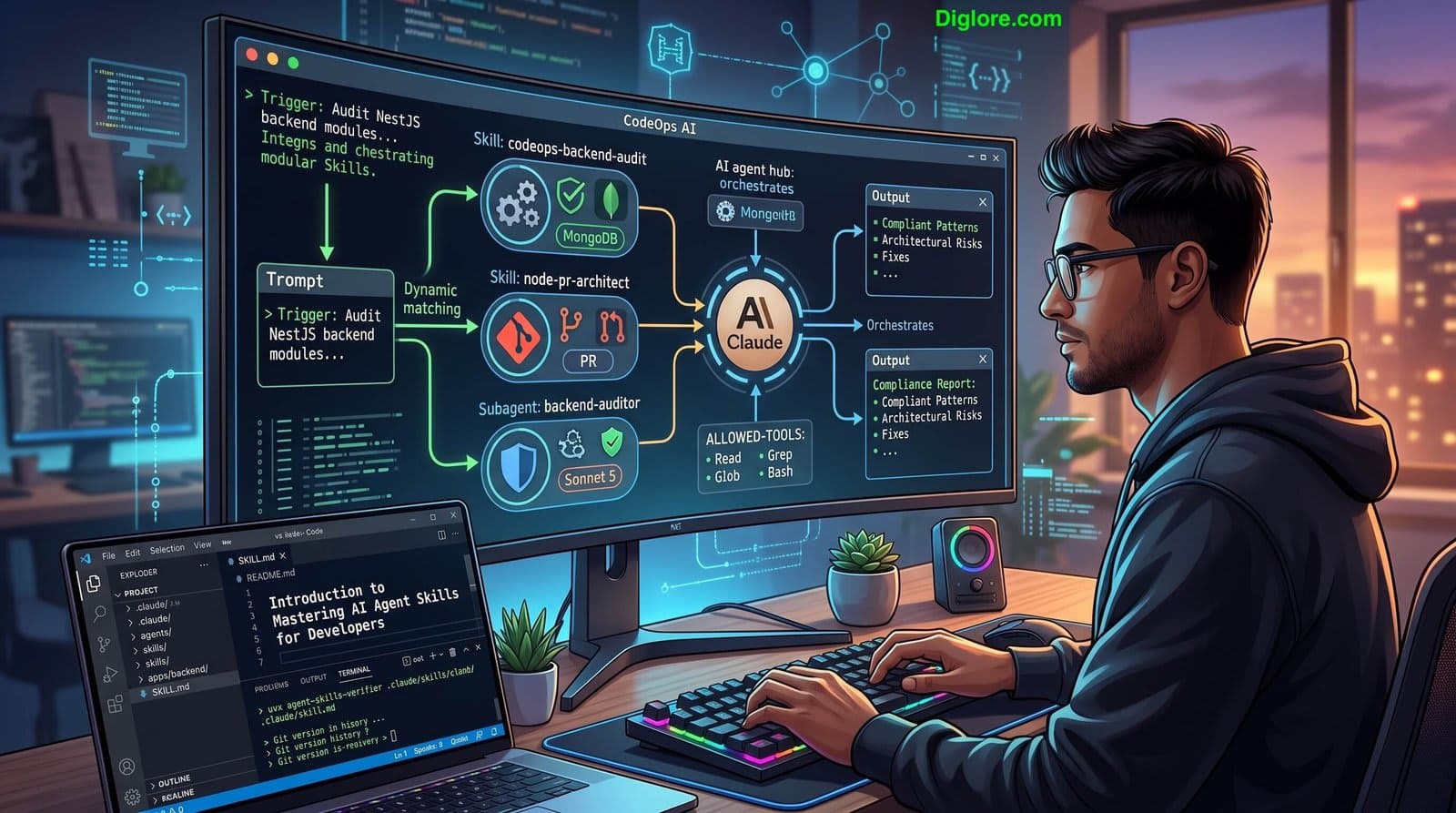
Every time you manually repeat setup instructions, code standards, or API guidelines to an AI coding assistant, your team loses momentum. This series breaks down how to build, scale, and manage custom AI Agent Skills. Learn how to convert your team’s development standards into automated, reusable execution blueprints within your JavaScript and Node.js workflows to slash context-switching and boost engineering efficiency.
By following this series, you will transition from simple prompt interactions to architecting a unified AI developer operating system that enforces coding standards, controls token context costs, and scales across engineering teams.
After reading this series, you will be able to:
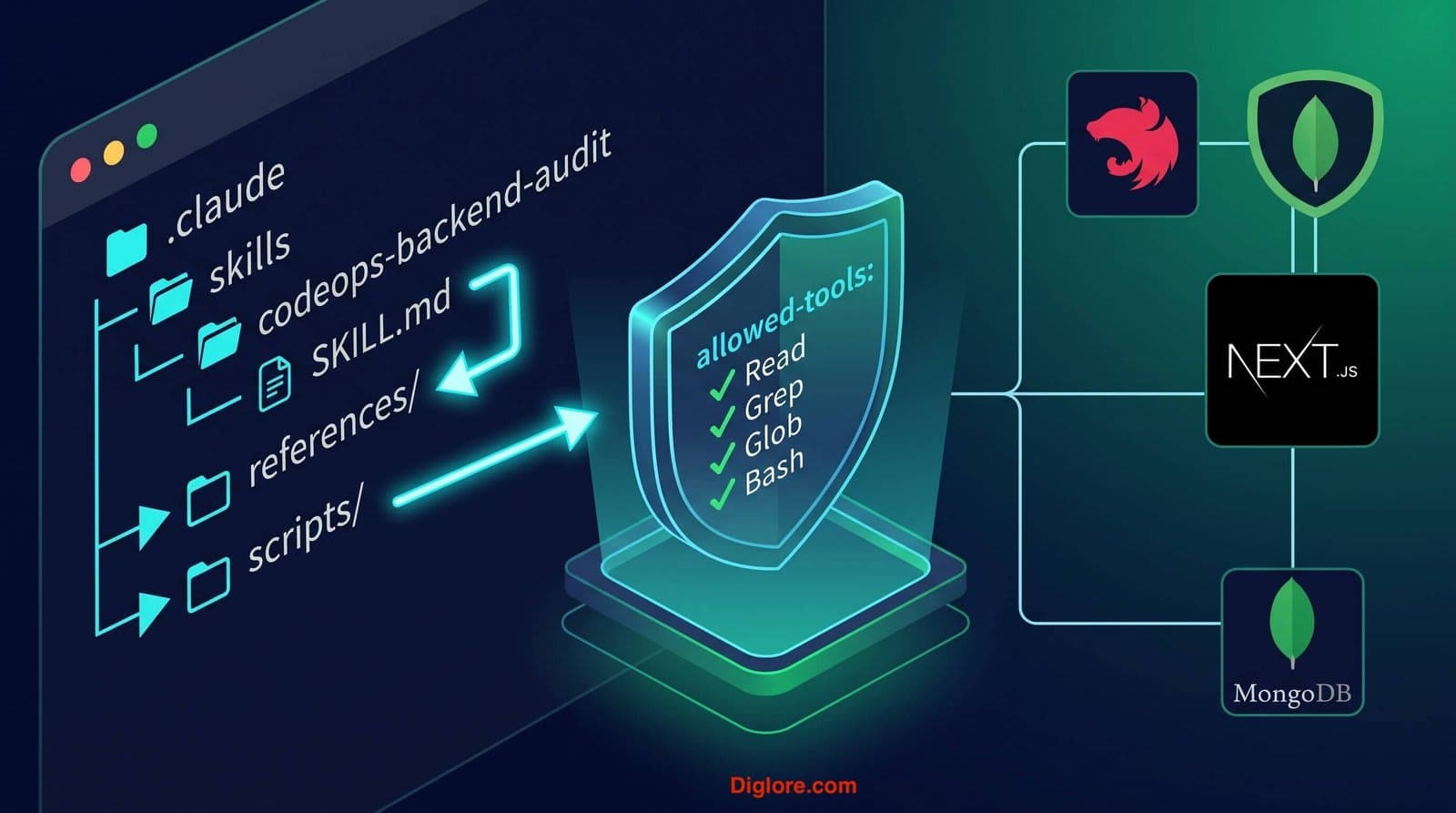
Build & Configure Production Skills: Create custom AI Agent Skills inside
.claude/skills/, configure YAML frontmatter triggers, and establish progressive disclosure directory layouts (references/,scripts/) to optimize token usage.Enforce Security & Execution Guardrails: Restrict AI execution boundaries using tool whitelists (
allowed-tools), read-only audit constraints, and dedicated model parameters.Master the Customization Matrix: Strategically combine
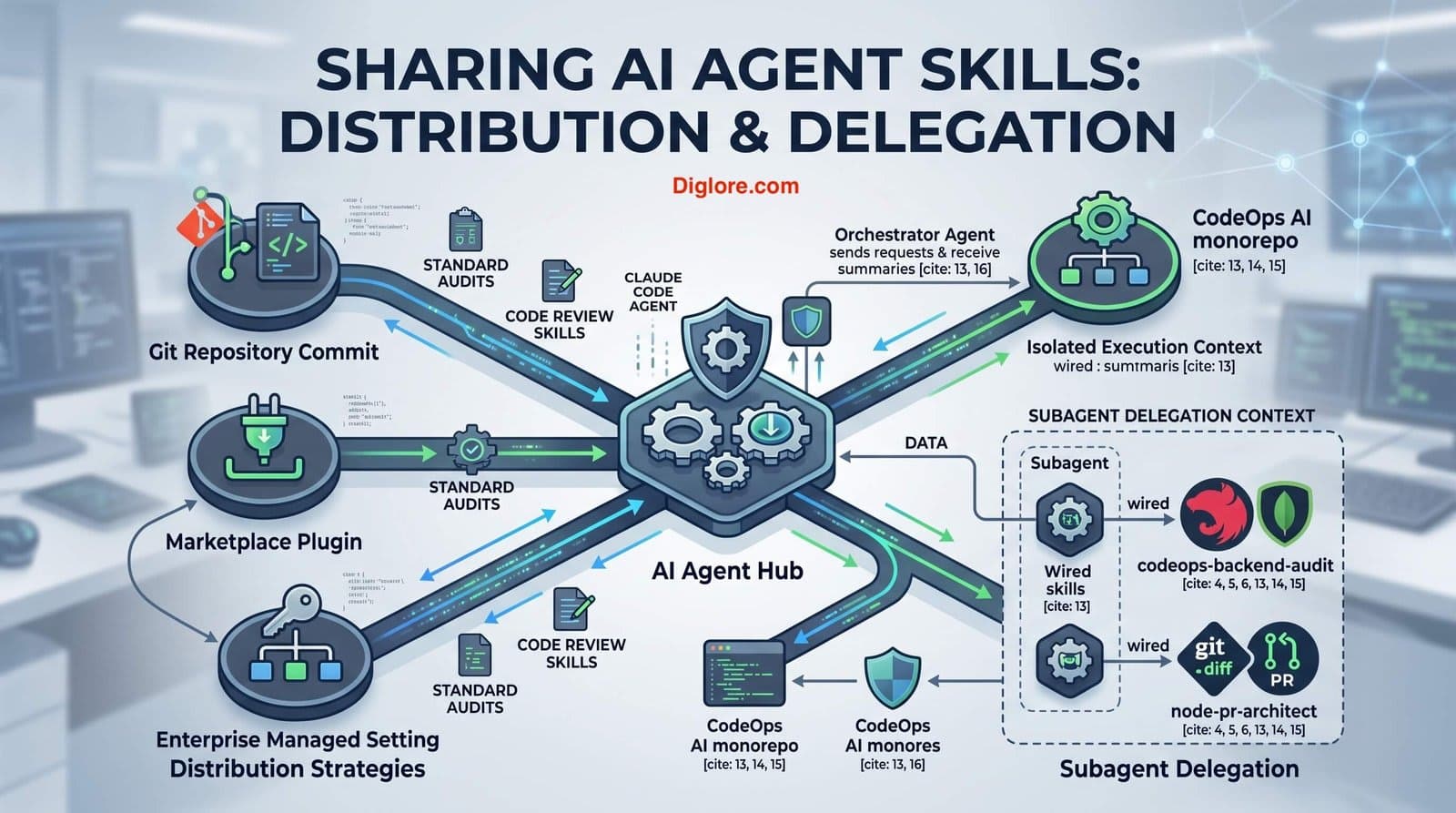
CLAUDE.md(always-on rules), Agent Skills (on-demand blueprints), Subagents (isolated background tasks), Event Hooks, and MCP Servers.Wire Skills into Custom Subagents: Configure isolated subagent delegates (
.claude/agents/) with explicit skill wiring to maintain architectural standards without polluting primary context windows.Scale & Deploy Across Teams: Distribute standardized skills via Git repository commits, marketplace plugins, and enterprise-wide managed settings.
Diagnose & Troubleshoot Failures: Run pre-flight validation tools (
agent-skills-verifier), resolve semantic trigger mismatches, manage 4-tier skill precedence conflicts, and fix runtime script permissions.